Zone - use IFC model located in "Files"
Erik A HeggstadCustomer Success Manager
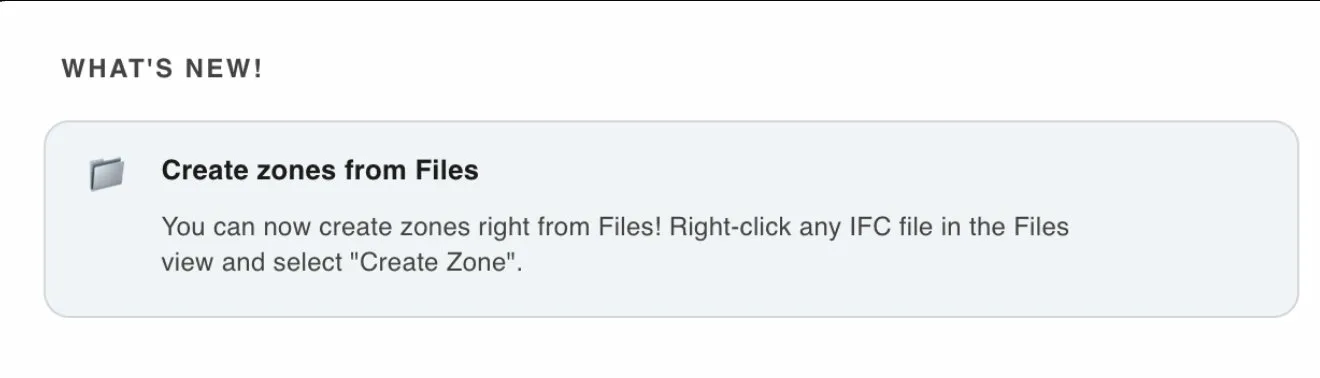
Instead of uploading a zone file through the Zone feature, you can now select an IFC file directly from “Files” and use it as the zone model.
This also enables full automation of the zone workflow. When the zone model is updated in ACC or Dalux, Anker will automatically import the updated file as usual. In addition, it will automatically trigger zone matching using the latest version of the model.
Previously, users had to manually upload the updated zone model inside the Zone feature. This step is now removed, making the process fully automated and more robust.